On the afternoon of Thursday 12 November, people across the world opened Outlook and found they couldn’t get into their email. A major Microsoft 365 outage left users unable to reach their mailboxes, with knock-on problems for Teams, Copilot and other Microsoft services. For many organisations, the disruption carried on overnight and into Friday.
Here’s what we know so far, and what businesses and care homes can learn from it.
What happened?
Problems began at around 4.15pm UK time, when Microsoft started investigating reports that people couldn’t access their Exchange Online mailboxes. By early evening, the outage-tracking site Downdetector had logged around 130,000 reports of problems with Outlook, from people in more than 70 countries.
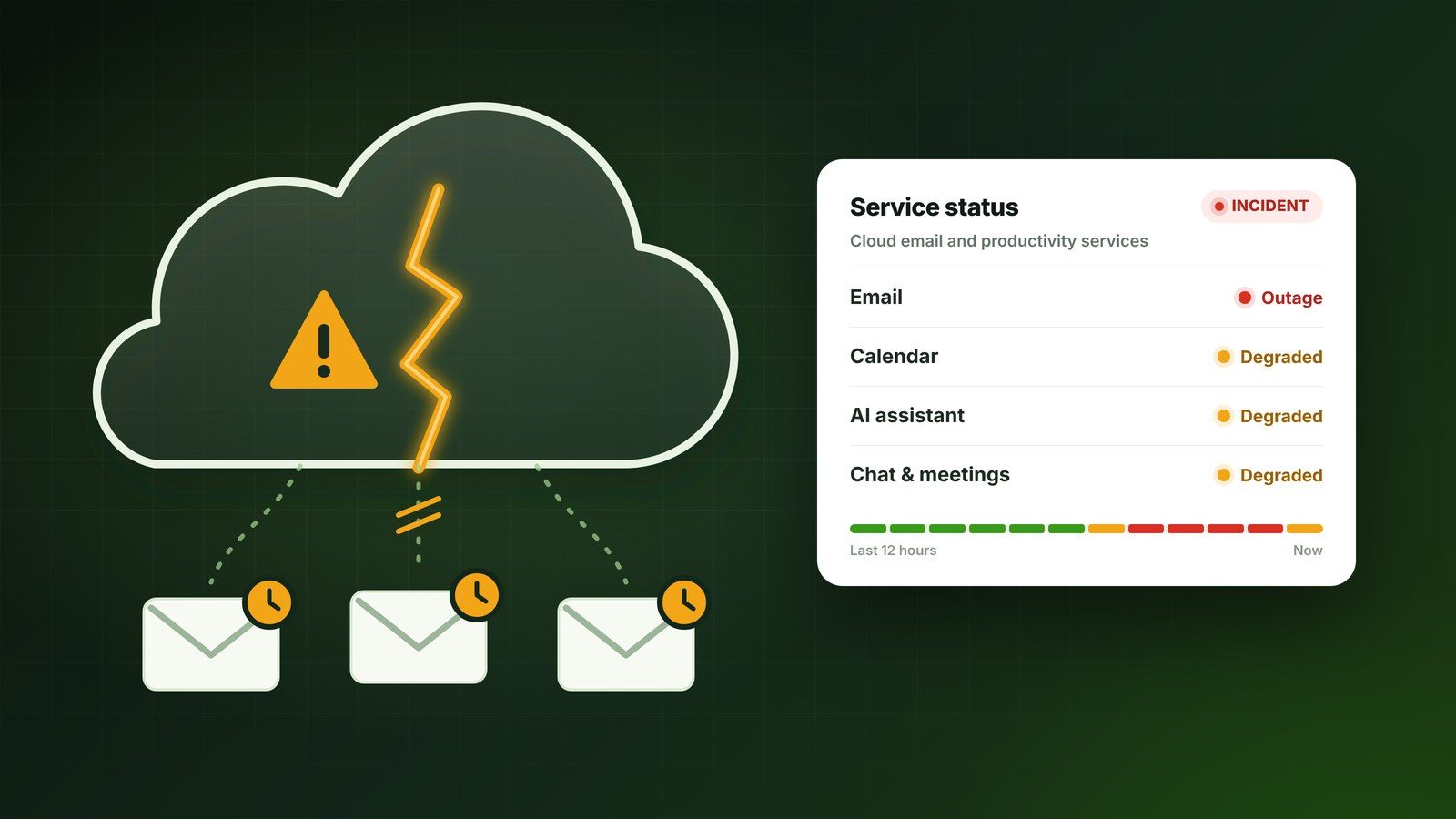
Outlook was hit hardest. People couldn’t open their mailboxes on the web, in the desktop app or on their phones, and many emails were delayed. Because so many Microsoft 365 services rely on Exchange Online behind the scenes, other features were affected too, including:
- calendars and meeting scheduling in Teams for some organisations
- Microsoft 365 Copilot
- SharePoint features that depend on email
- link checking in Microsoft Defender, which caused errors when opening some links
Microsoft Teams was disrupted too. Earlier that afternoon, a separate Teams incident caused delayed and failed chat messages for some users, and during the main outage calendars, meeting scheduling and starting new chats failed for some organisations. With email and Teams both affected, many businesses had to fall back on phone calls to stay in touch.
What caused it?
Microsoft has said there is no sign the outage was caused by a cyberattack or any malicious activity. In its updates, it explained that a large number of servers unexpectedly became unavailable, leaving the remaining servers overloaded. A process that sets up secure connections on those servers became overwhelmed, and Microsoft began reversing a recent network configuration change that coincided with the start of the problems.
Microsoft hasn’t confirmed the root cause yet. It has said it will publish a full post-incident report once the issue is resolved.
Is it fixed?
At the time of writing on Friday 13 November, Microsoft says mailbox access and delayed email are improving, but capacity hasn’t fully returned to normal and some people may still see intermittent problems. Microsoft has also extended the time it keeps trying to deliver delayed emails to 48 hours, so messages caught in the queue aren’t lost.
If you’re still waiting for emails from Thursday or Friday, they should arrive as services recover. There’s no need to ask people to resend them unless something is urgent.
Why this matters for care homes and small businesses
Microsoft 365 is very reliable most of the time, but no online service is available 100% of the time. When email goes down, the effects are felt quickly: messages from GPs and pharmacies go missing, families can’t get through, invoices are held up and staff can’t reach shared calendars.
The organisations that coped best this week were the ones with a simple plan for when email isn’t available.
Six steps to prepare for the next outage
- Have a backup way to communicate. Agree how you’ll reach staff, residents’ families and key contacts if email and Teams are down, such as phone, text or a messaging group, and who is responsible for sending updates.
- Keep key contacts somewhere else. Make sure important phone numbers, such as GP surgeries, pharmacies, suppliers and your IT support, are kept on paper or on a phone, not only in Outlook.
- Know where to check. Microsoft posts live updates at status.cloud.microsoft, and administrators can see detailed updates in the Microsoft 365 admin centre. Set up service alerts to go to an email address or phone that doesn’t rely on Microsoft 365.
- Don’t try to fix what isn’t broken. During a Microsoft outage, reinstalling Office, deleting Outlook profiles or resetting passwords won’t help, and can cause extra problems once service returns.
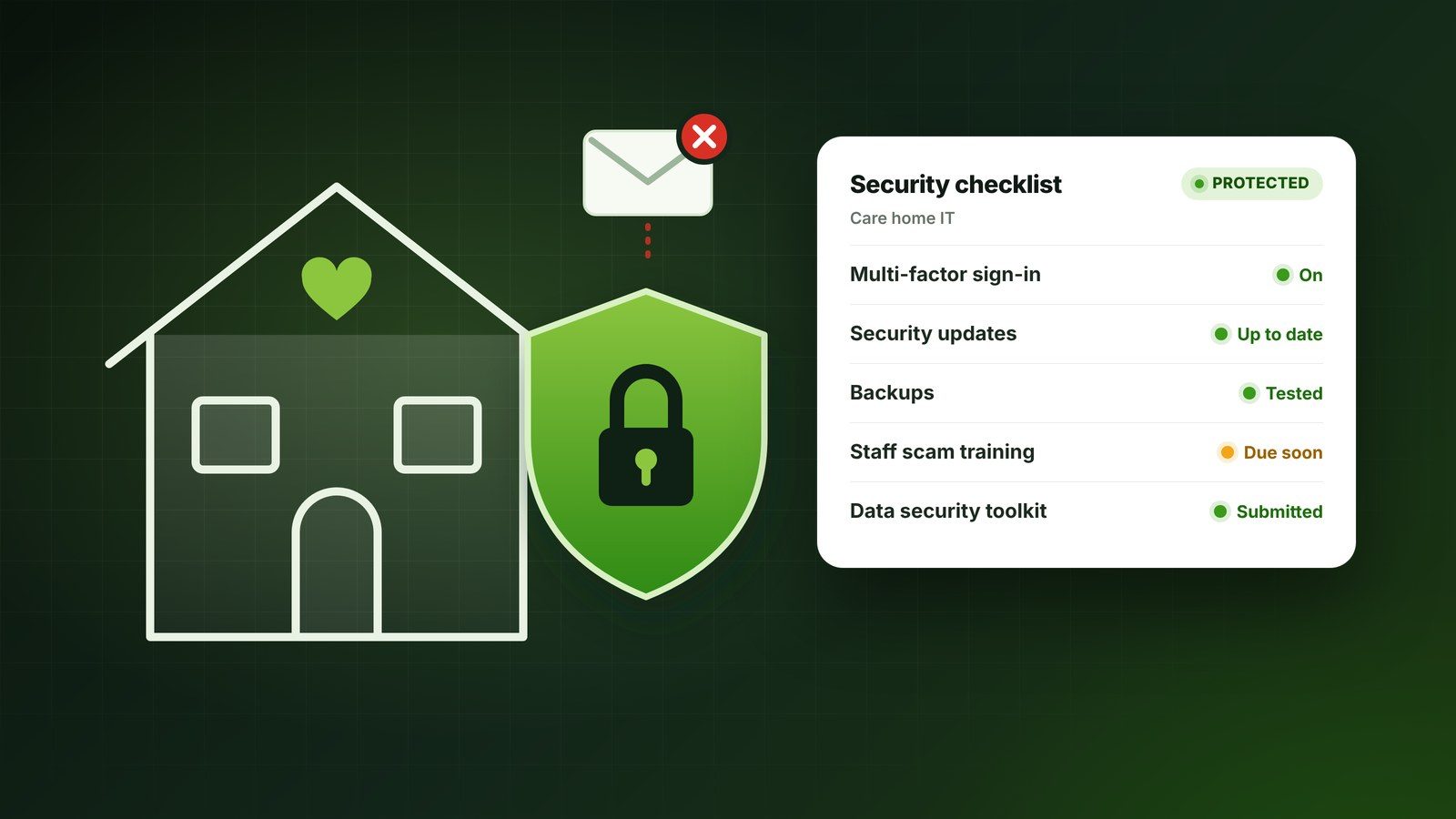
- Watch out for scam emails. Criminals often take advantage of big outages with fake messages asking you to “verify your account” or “restore your mailbox”. Microsoft won’t ask for your password by email. If in doubt, check with your IT support before clicking anything.
- Write down what happened. Note which systems were affected, for how long and how you worked around it. It will help you improve your plan for next time.
A note on backups
It’s worth knowing the difference between a backup and a continuity plan. A Microsoft 365 backup protects your emails and files from being lost or deleted, but it won’t keep your email running during an outage like this one. That’s why the planning steps above matter just as much as the technology.
How Shadow Support can help
When something like this happens, we can quickly tell you whether the problem is on your side or Microsoft’s, keep your team updated and help with workarounds, so nobody is left guessing. For nursing and care homes, our support is available 7 days a week, and we can help you put a simple outage plan in place so your team knows exactly what to do next time.
If you’d like help preparing your business or care home, book a free consultation or call us on 0121 709 4646.
Sources: Microsoft service status, Al Jazeera, ABC News, Cyber Security News.